
Plan View - Split Screen Mode
Learn about the options for viewing the plan with other visual data.

The Plan View helps you understand the wider context of the data displayed in R2S. While always available in the Minimap, it can also be opened in a dedicated split-screen window for a larger, more detailed view.
You can activate this mode in a variety of ways
From the Plan View
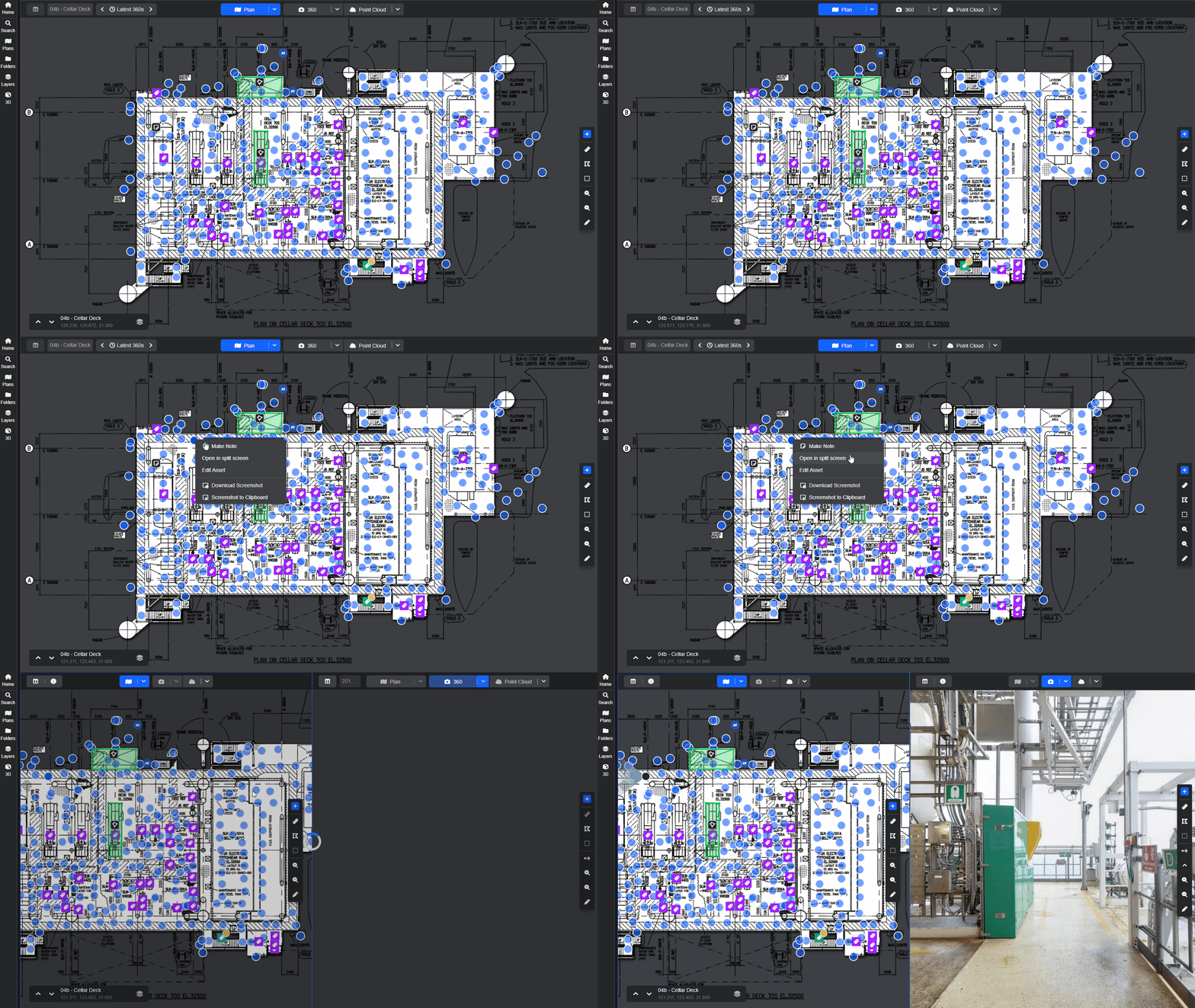
Right click on any 360 hotspot and select Open in Split Screen from the context menu.
From the Minimap
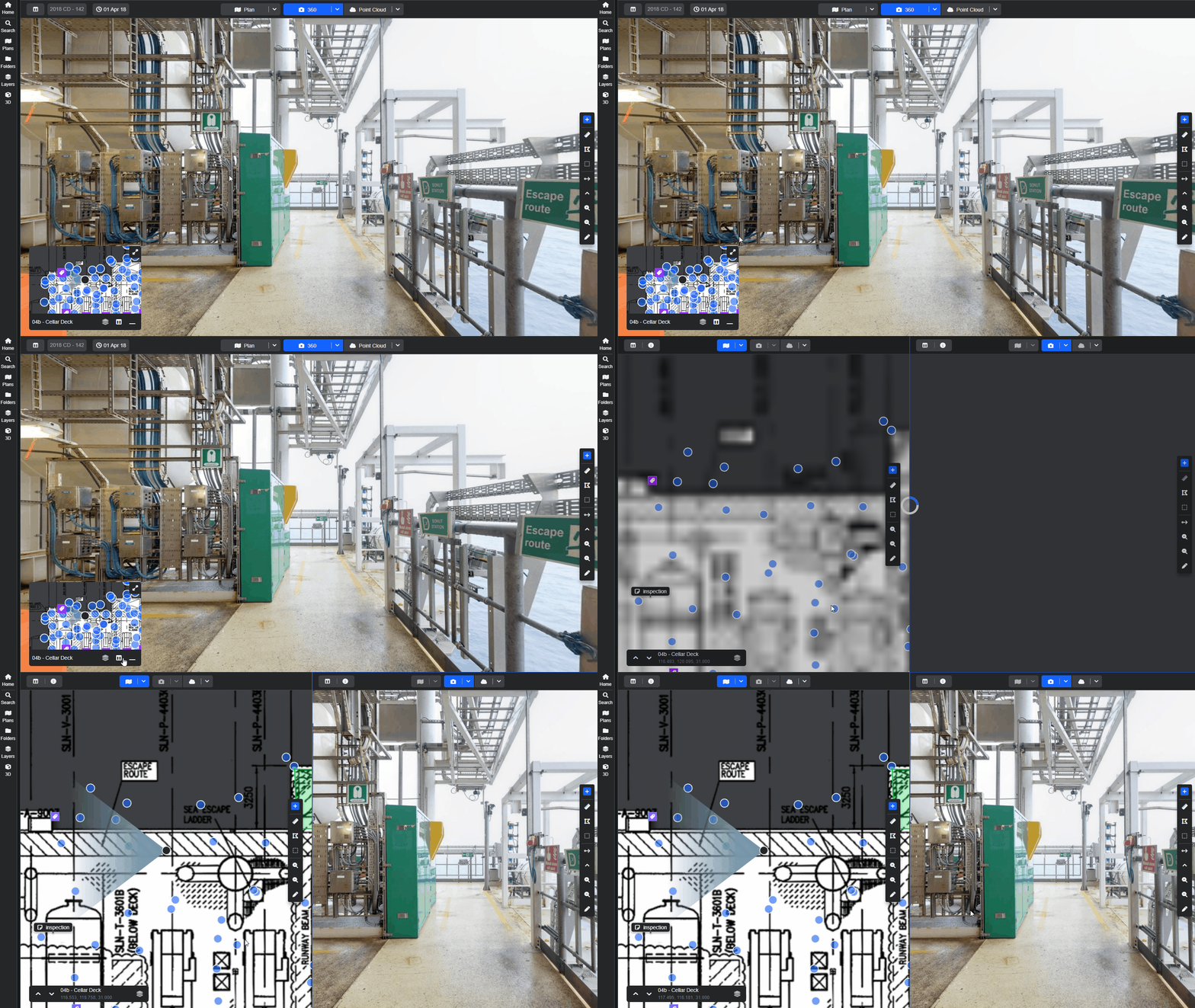
Simply click the dedicated split-screen button on the Minimap.
From the View Mode selector in the Main Viewer
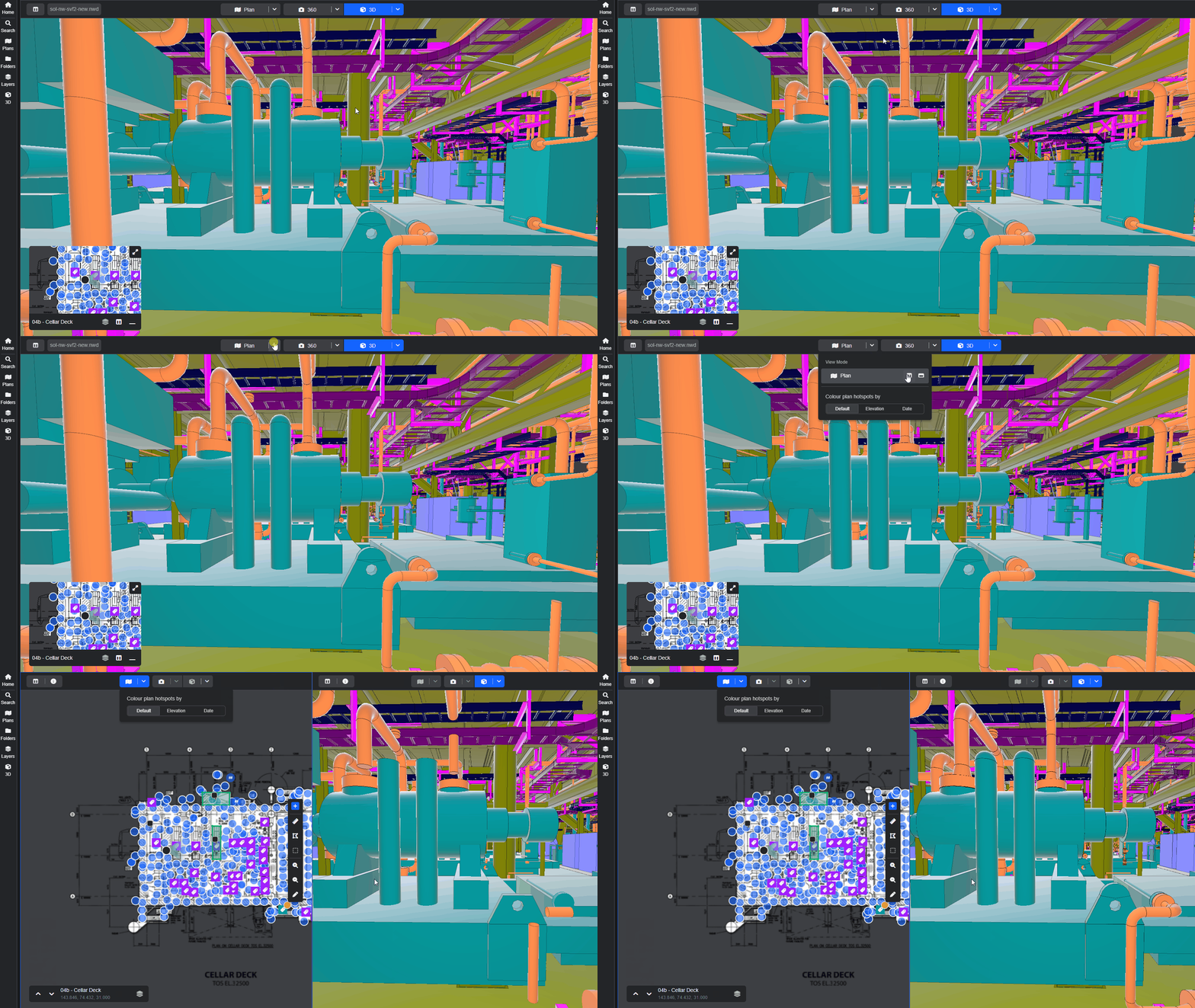
Click the chevron next to the Plan button and select the split-screen icon.
See the Plan View - Display Options guide to learn more about working with plans in R2S.
Note: If you are having trouble using any tool or feature in R2S please contact our support team here.